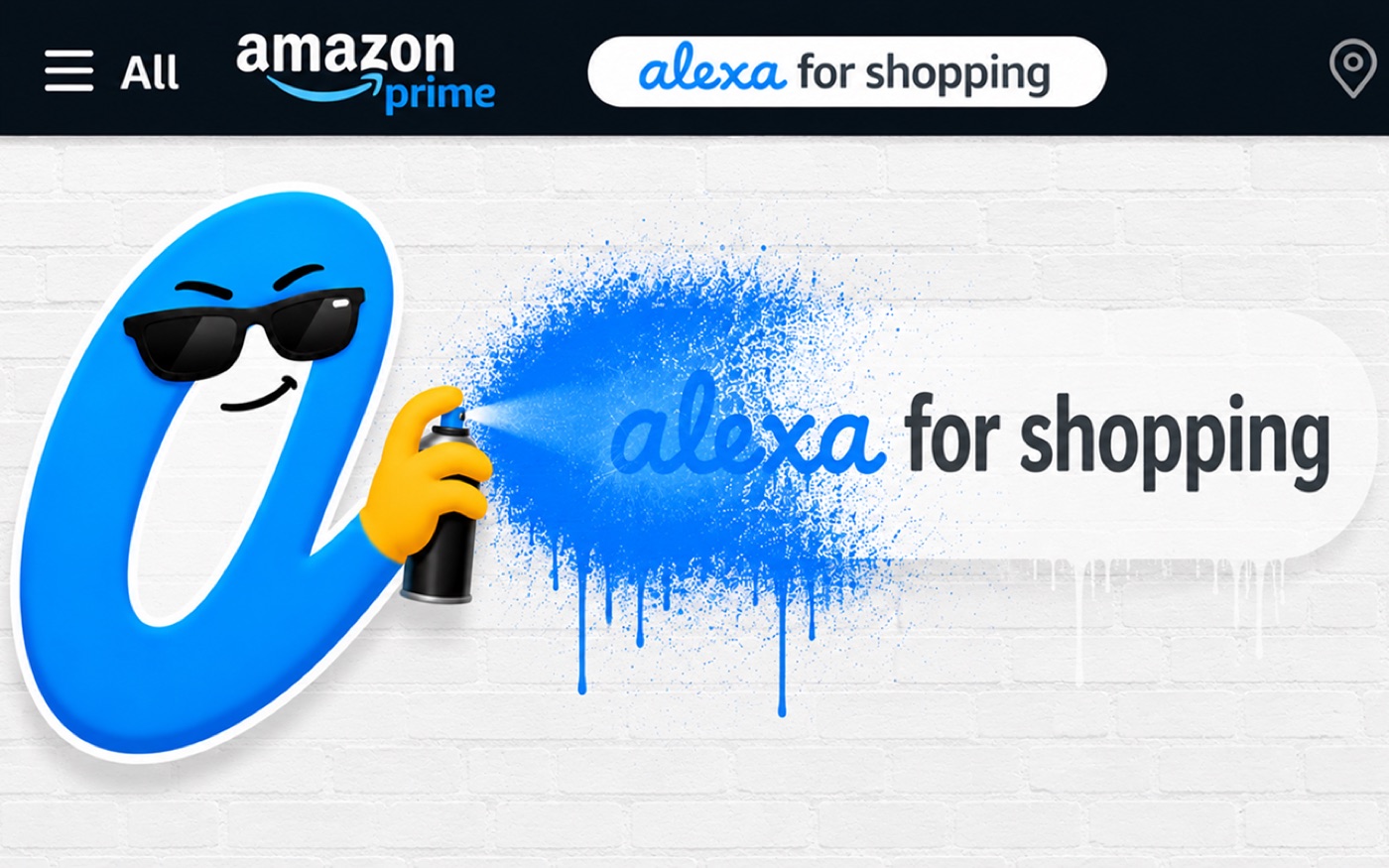
Amazon won’t give you a settings panel, so I built one.
Every feature is a switch in the popup. Two are free forever, and the rest come with Pro. Flip on what you want and leave the rest alone.
hide the ai assistant
Removes “Alexa for Shopping”, formerly Rufus, from the navigation, product pages and chat panels. Hiding the assistant is the feature Adios was born with, and it stays free.
quick support
One-touch shortcuts to Contact Us, Your Orders and Returns, on every page. Amazon buries all three several clicks deep.
dark mode
A real night theme for every Amazon page. Product photos, ratings and buy buttons keep their colors, bright images can be dimmed, and it works on 23 Amazon marketplaces.
hide sponsored
Removes sponsored results, ad banners and sponsored carousels from search, product pages and the homepage.
declutter
Recommendation carousels, “Buy it with” bundles, promo banners, “recently viewed” strips, badges, product videos and brand stories, each on its own switch.
just the product
Focus mode strips a product page down to photos, price, specs and reviews.
faster pages
The assistant and the clutter cost real render time. With them gone the page has less to draw, and people tell me Amazon feels quick again.
“Amazon feels how it should.”
ODBza · Chrome Web StoreFeatured on the Chrome Web Store. Reviews from the listing, quoted as written.
-
“The Alexa Shopping flyout was driving me INSANE. After maybe a half hour I decided to see if there was a way to disable it. Amazon doesn’t have any way to turn it off.”
Vanessa Harrison -
“This took like 10 seconds to download and enable, no setup and it just works immediately.”
Lachlan Mulcahy -
“Extension works great, developer very responsive regarding updates!”
Allen
free forever
$0
Amazon’s AI shopping assistant hidden and quick support shortcuts, forever. No account, no card.
Add to Chromepro everything else
$14.99/year
or $2.99 a month
Amazon redesigns its pages constantly, and those changes regularly break tools like this one. Pro pays for the upkeep that keeps every switch working.
Every Pro switch, after a 7-day free trial that needs no card. If it’s not for you, it simply ends.
“Great extension! How do I pay the author for it?” Leonid, Chrome Web Store
Start free trialPayments are handled by ExtensionPay and Stripe, so your card details never reach me.
“Amazon added an AI assistant that couldn’t be turned off, so I built the switch myself. It started as Rufus Remover, one toggle for one annoyance, and every time Amazon added more clutter I added another switch.”
Is Adios affiliated with Amazon?
No. Adios is an independent product, not affiliated with, endorsed by, or sponsored by Amazon.com, Inc. “Amazon”, “Alexa” and “Rufus” are their trademarks, used here only to describe what Adios removes.
Does Adios track me?
No. Adios runs entirely inside your browser. There are no accounts, no analytics, and nothing about your browsing or purchases ever leaves your device.
Will it break shopping?
No. Adios only hides the assistant and ad or clutter widgets. Search, cart and checkout behave exactly as they did before. Turn any switch off from the popup if you ever want something back.
What stays free?
Hiding the AI assistant and the quick support shortcuts stay free forever, and nothing you already had ever moves behind the paywall.
Which browsers are supported?
Chrome and Firefox, from their official stores. Chromium-based browsers like Edge, Brave and Arc can install the Chrome version and it works the same.
Something looks wrong? Try this first.
Amazon reshuffles its pages constantly, and a stale cached page is behind most reports. These steps take a few seconds and clear up the large majority of them.
hard refresh
Press Ctrl + Shift + R on Windows, or Cmd + Shift + R on a Mac. That alone is usually enough.
update adios
Open your browser’s extensions page, confirm you are on the latest version, then reload Amazon.
clear the cache
If a hard refresh was not enough, clear your browser cache and reload. Your Adios switches are stored separately, so nothing you have set will be lost.
check for conflicts
Temporarily turn off other Amazon or ad blocking extensions to see whether one of them is what changed the page.
Still stuck? Write to me.
Include your browser, the version number at the top of the Adios popup, and the Amazon page where it happened. I read every message, and those three details are usually the difference between a same-day fix and a long back and forth.
adios@mochilabs.xyz